WithinEHR Documentation
Your complete Electronic Health Records (EHR) solution. Manage appointments, client records, billing, documentation, and telehealth all in one integrated platform.
Appointment Scheduling
Manage your schedule, set availability, and enable online booking for your clients with our comprehensive scheduling system


Client Records
Comprehensive client record management with customizable fields, data import/export, and advanced health record features


Telehealth
Conduct secure video sessions with your clients using integrated telehealth features for remote consultations


Complete Patient Documentation in Withinehr
Creation Date: Nov 18, 2025 | Created By: Kehinde Okewumi
Withinehr
1. Click on Patient record to access patient

2. Click on Overview
Overview displays the patient information, here you can see the contact info, and other personal details.

3. Click on Appointment

4. Click on Documents

5. Click on Payments

6. Click on Insurance

7. Click on 11/20/024 – 11/20/024

8. Click on Note

9. Type $ {label}

10. Drag highlighted element

11. Click on Confirm Signature

12. Click on Save Draft

Popular how to guides
View more guidesWant to know more?
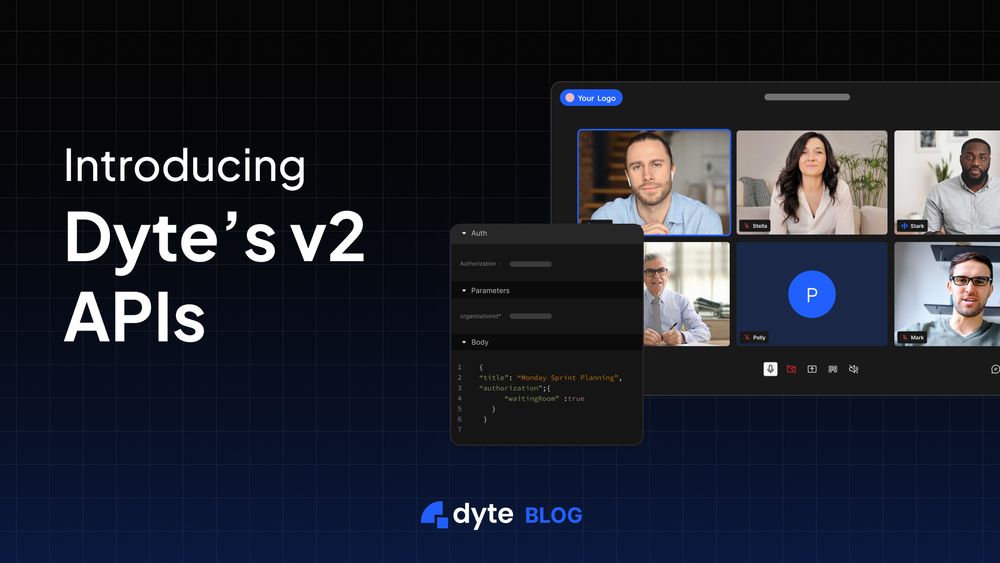
Migrate to v2 REST API
Excited to announce the release of our v2 REST APIs, which are faster, more idiomatic, and easier to use.
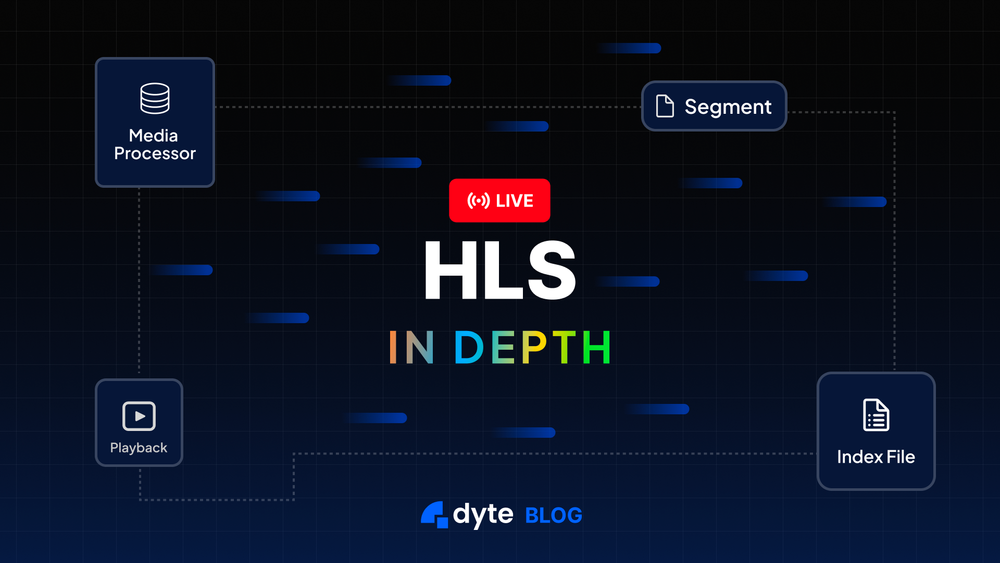
HLS in Depth
HLS is widely adopted, simple, yet robust. Learn how it works from a client's perspective, its segments, features, and disadvantages.

Integrating React UI Kit
In this video learn how to use React UI Kit prebuilt components to add live video and audio to your React application.
How can we help you today?


Support
WithinEHR's expert support team is always available to help. Connect for dedicated 1:1 support!
Contact Us →
Join the community
Engage with our ever-growing community to get the latest updates, product support, and more.


