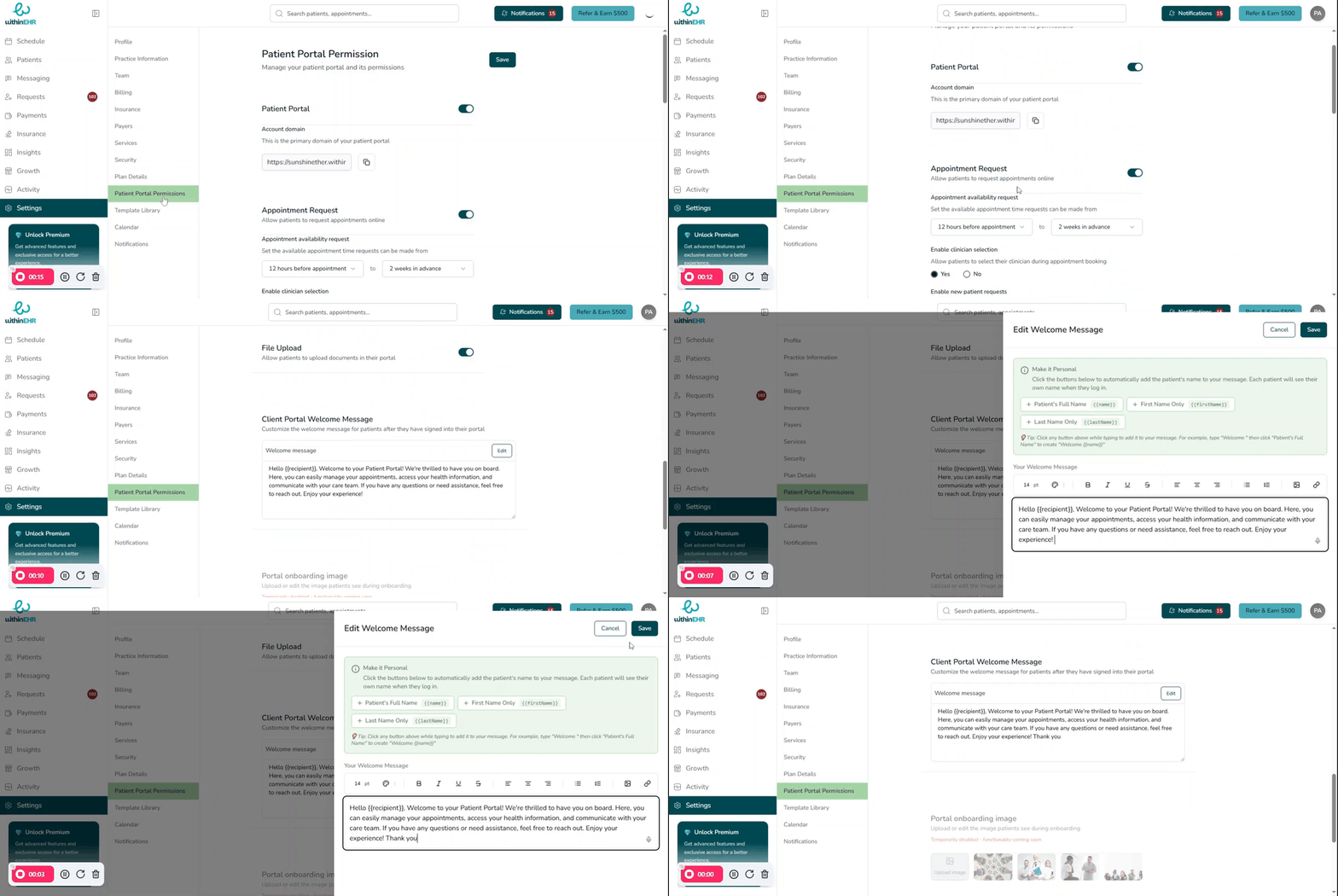
Client Portal Settings
Configure client portal settings, including access permissions, features, and customization options.
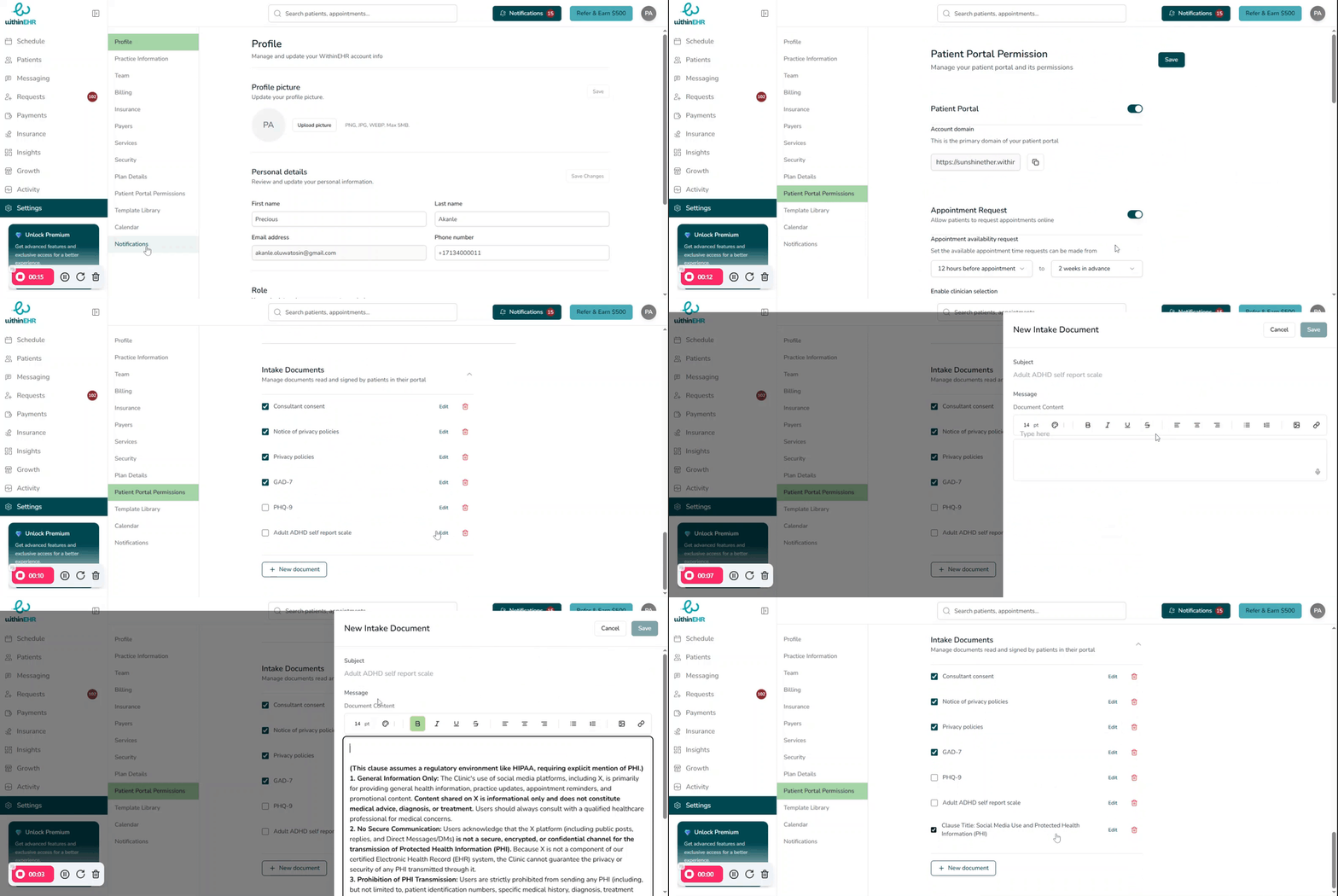
- Updating Client Portal Greeting message
- Select Settings from the Navigation panel
- Select the Patient Portal Permission
- Scroll to Client Portal Welcome Message
- Click on Edit button
- Edit or update welcome message
- Click Save