Logging out
Sign out of your WithinEHR account securely.
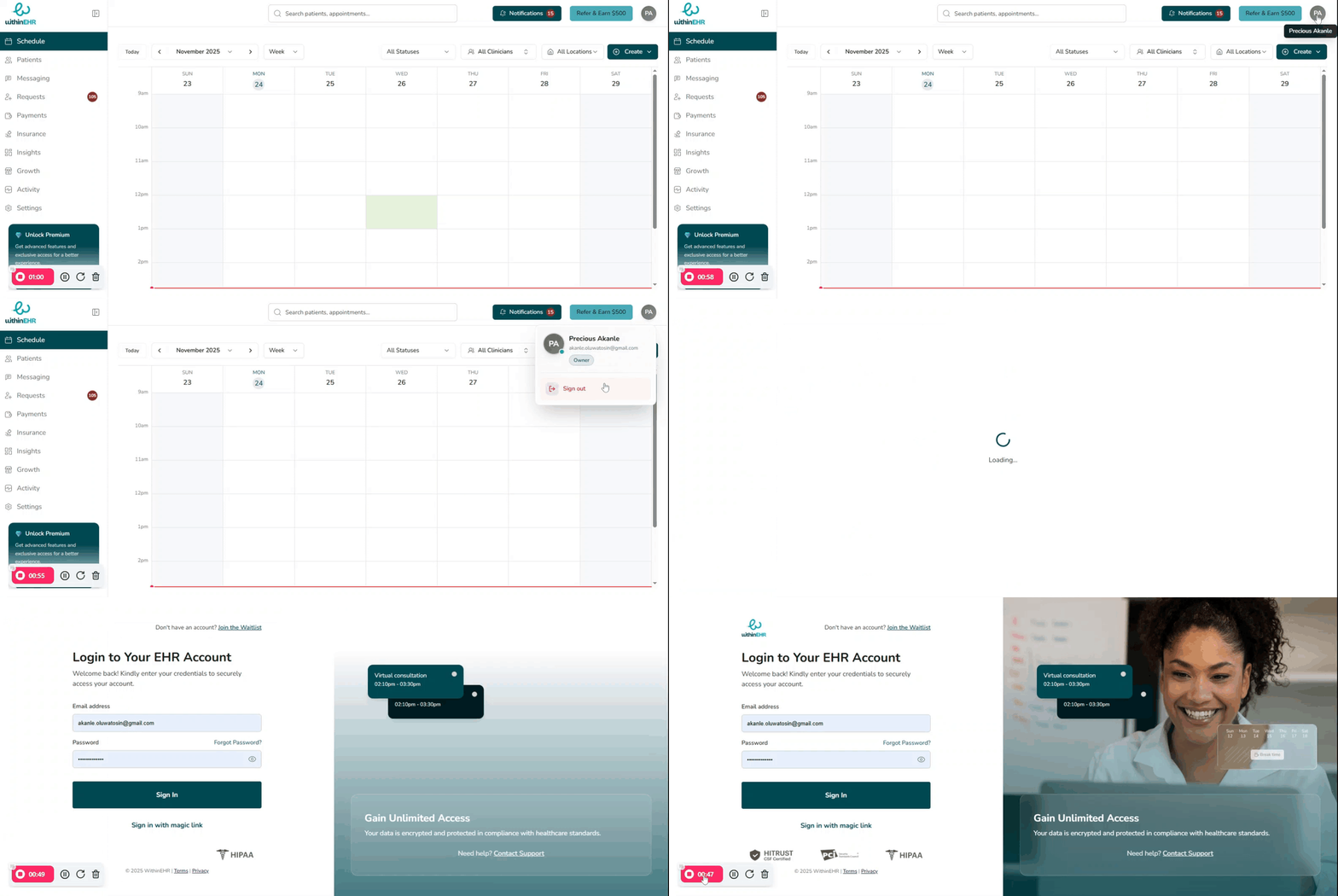
- Click the Profile avatar
- Select Sign out
Why Must You Log Out?
Logging out is required for security and HIPAA compliance.
- Data Protection: Prevents unauthorized PHI access on your workstation.
- Accountability: Ensures actions are tracked under your unique credentials, maintaining audit trails.
- Compliance: Active sessions left unattended violate security standards and risk breaches, fines, and disciplinary action.
How to Properly Log Out
Never simply close your browser window; this often leaves your session active and vulnerable.
- Locate the Logout Icon: Look for your initials or profile picture, located in the top-right corner of the WithinEHR screen.
- Click and Confirm: Click the "Sign out" button. The system immediately direct you to the main login screen.