Drag and Drop Appointments
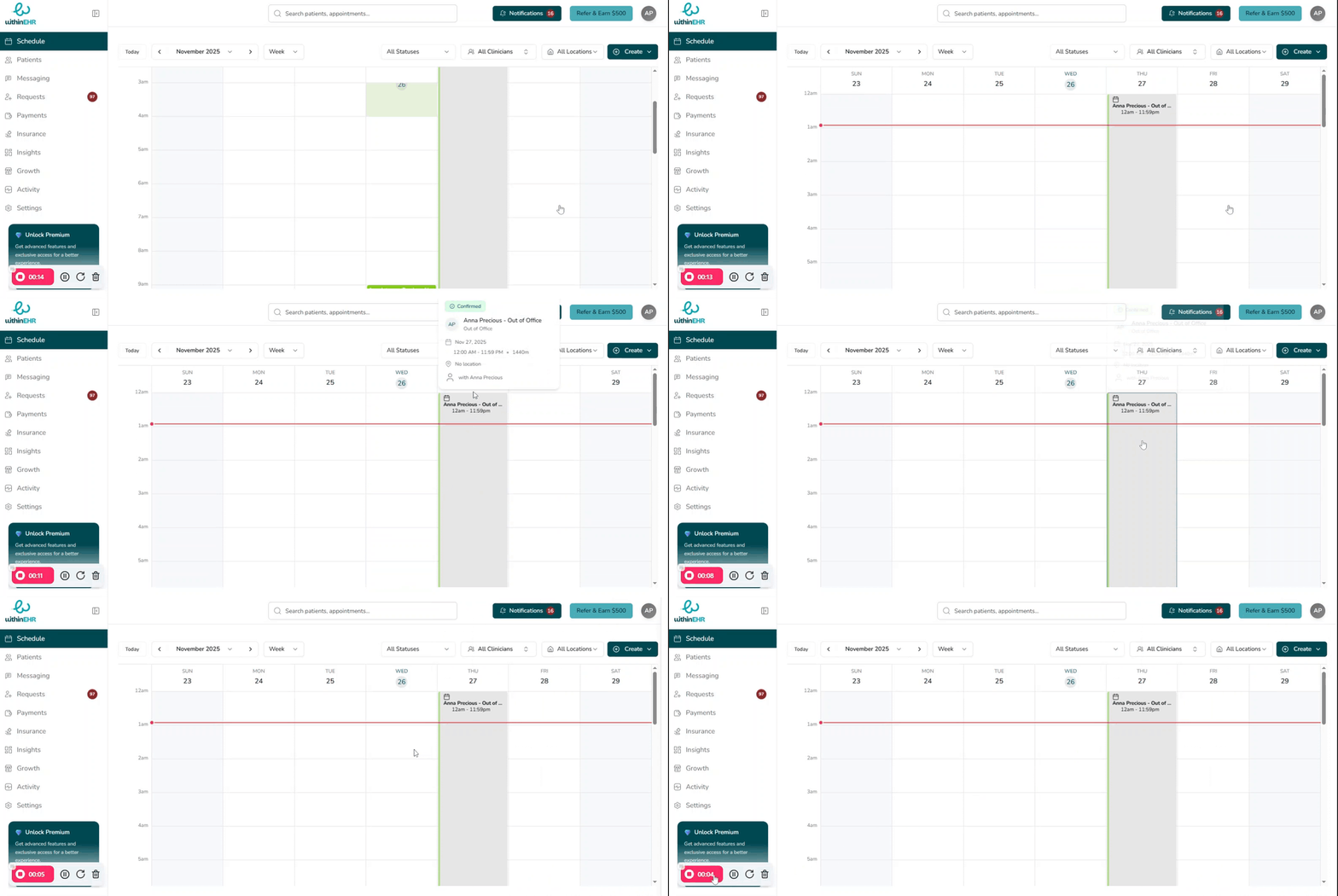
Rescheduling is as simple as dragging an appointment to a new time slot in your calendar. WithinEHR automatically updates the appointment details, notifies the relevant parties, and keeps your schedule accurate — no manual edits required.
How It Works
- Open the Schedule tab to view your calendar.
- Click and hold the appointment you want to move.
- Drag it to the new date and time slot.
- Release to confirm the new time.
WithinEHR will apply any configured reminders and notifications to the updated appointment time automatically.
Tips
- Use the Week view for the most efficient drag-and-drop experience when rescheduling across multiple days.
- If a time slot is unavailable due to provider availability rules, the appointment will not drop into that slot — protecting your scheduling integrity.