Getting Started with Templates Library
Templates standardize and accelerate repetitive documentation tasks. A well-designed template ensures clinical consistency across your practice, saves significant time, and reduces the risk of errors every time you create a note, form, or communication.
Types of Templates
- Default Templates — Pre-built templates provided by WithinEHR for common clinical workflows.
- Team Templates — Custom templates created and shared across your practice team.
How to Create a New Template
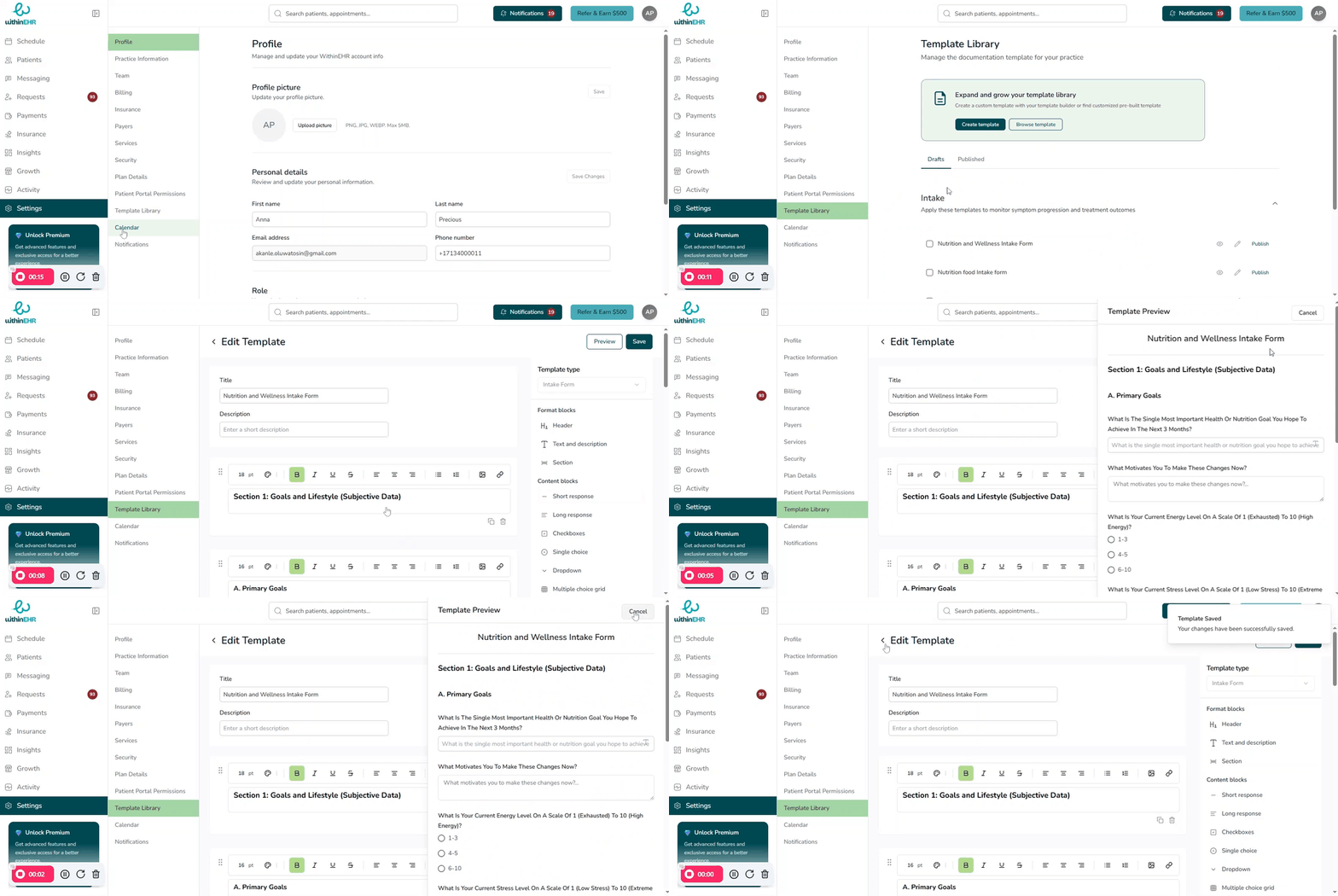
- Click Settings on the navigation pane.
- Select Template Library.
- Click Create Template.
- Enter a Template Title and a brief Short Description.
- Build your template content using the editor.
- Click Preview to review how the template will appear.
- Click Save to publish the template to your library.
Saving a Form as a Template
After completing a form, you can save it as a reusable template so it can be applied to future clients without starting from scratch. This is particularly useful for intake forms, SOAP notes, and consent documents.
Video Walkthrough