Add or Customize Services and Products
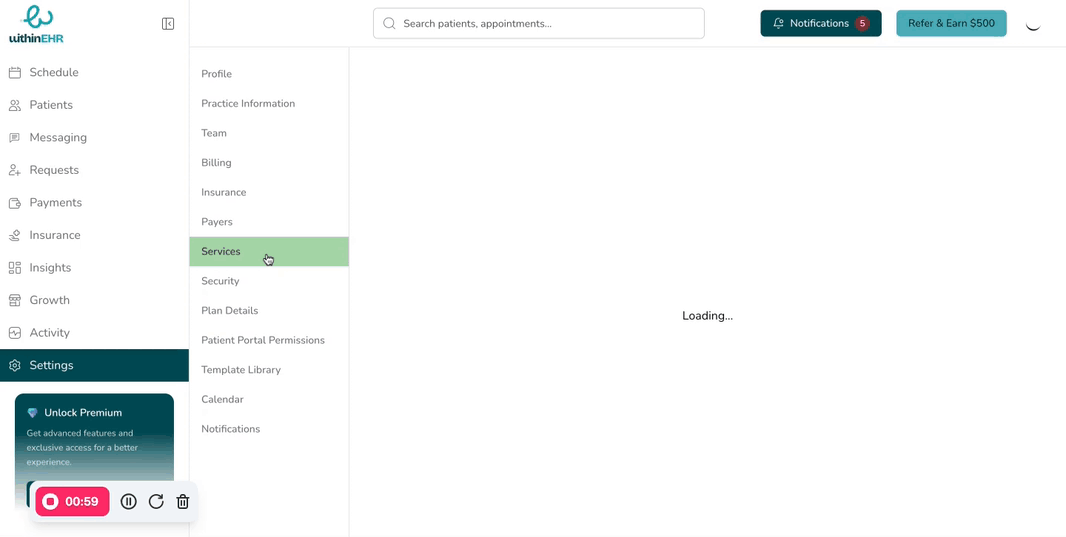
Services and products define every billable item your practice offers. Configuring them accurately ensures correct pricing, billing codes, scheduling rules, and client-facing booking options.
How to Add a New Service
- Go to Settings.
- Click Services.
- Select + Add New Services.
- Fill in the required information:
- Service name and description
- Duration
- Price and billing code
- Available locations
- Assigned clinicians
- Click Save.
How to Edit an Existing Service
- Go to Settings > Services.
- Select the service you want to edit.
- Update the relevant fields.
- Click Save.
Tips
- Use clear, descriptive service names that clients will recognize when booking online.
- Set accurate durations — these drive your calendar availability and buffer time calculations.