Change Your Profile Picture
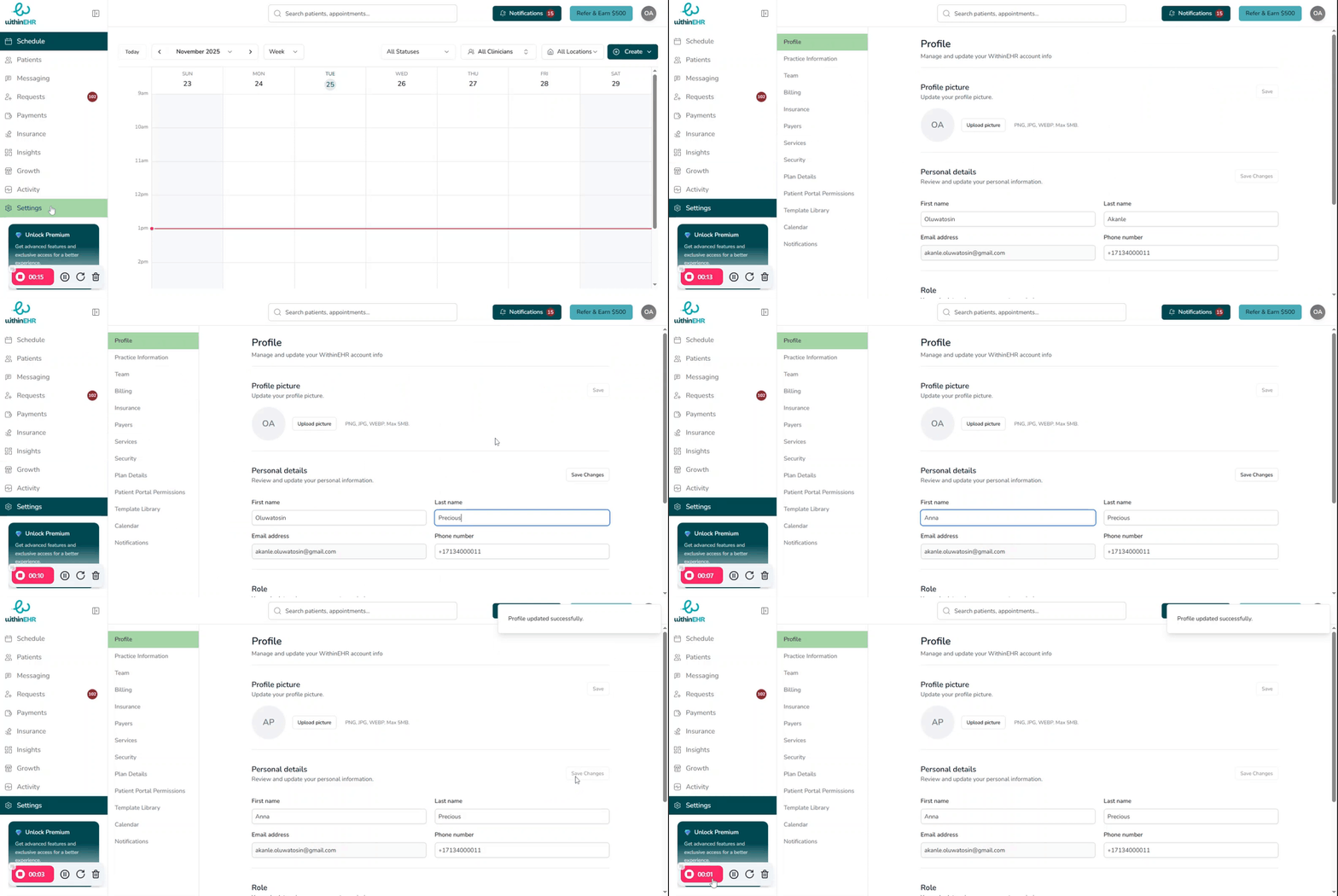
Your profile picture appears throughout WithinEHR — in the navigation bar, on appointment records, and in team views. Keeping it current helps clients and colleagues identify you quickly.
How to Change Your Profile Picture
- Click your initials or current profile picture in the top-right corner of the screen.
- Select Profile or Account Settings.
- Click Change Photo or the camera icon on your current picture.
- Upload a new image from your device.
- Crop or adjust the image as needed.
- Click Save.